Photorealistic Continuous Car Windshield Shot
Created by
@ayan5117
121
0 (0)
other
Portrait & people
Free
Advertisements
Description
Generate a single continuous photorealistic video that uses the uploaded photo for the driver’s exact identity and appearance, and the uploaded reference video for camera movement, framing, pacing, subject motion and environment. Preserve car, road, background, reflections, sunlight and natural smartphone look; no identity change or CGI effects.
Advertisements
Prompt Text
Create an ultra-realistic recreation of the uploaded reference video. IMPORTANT:
Use the uploaded video as the PRIMARY source for the entire shot. Preserve its exact camera angle, framing, composition, timing, pacing, body movement, hand movement, facial performance, expression progression, car, interior, windshield reflections, lighting, background and perspective. Do NOT reinterpret the scene or invent new camera movements, actions, poses or transitions. IDENTITY:
My uploaded photo is the ONLY source of my identity. …
Unlock the Full Prompt
You are reading the first 72 of 607 words. Sign in free to copy the whole prompt and open it in other.
Free to join
No credit card required
Tags
photorealistic-video
identity-preservation
continuous-shot
windshield-push
driver-portrait
camera-motion-recreation
natural-reflections
smartphone-look
ultra-realistic
indoor-interior
Usage Instructions
1) Open your preferred AI tool 2) Paste the prompt 3) Adjust settings as needed 4) Generate your content
Tips & Tricks
Download pixverse.ai on play store and open it tap plus icon then reference icon then upload your image and video then paste the prompt and check resolution settings and then tap generate button ✅
Ready to unlock this prompt?
Sign in to purchase this prompt and unlock premium AI recipes
Rate this Prompt
0 / 5
(0 reviews)
Sign in to rate this prompt and leave your review
Advertisements
Reviews (0)
No reviews yet
Be the first to rate and review this prompt!About “photorealistic-continuous-car-windshield-shot”
Generate a single continuous photorealistic video that uses the uploaded photo for the driver’s exact identity and appearance, and the uploaded reference video for camera movement, framing, pacing, subject motion and environment. Preserve car, road, background, reflections, sunlight and natural smartphone look; no identity change or CGI effects.
"photorealistic-continuous-car-windshield-shot" is a free your preferred AI image tool prompt for a finished image in the portrait & people category. The example on this page shows the look you should expect when you run the full prompt.
Use it in your preferred AI image tool with a clear reference photo when you want a consistent result. Tags on this prompt include photorealistic video, identity preservation, continuous shot, windshield push, driver portrait.
Sign in to unlock the full prompt text at no cost. Related topic hubs below group similar prompts by tool, style and format.
Prompt breakdown
- AI tool
- your preferred AI image tool
- Category
- Portrait & people
- Output
- AI image
- Price
- Free
- Tags
- photorealistic video, identity preservation, continuous shot, windshield push, driver portrait, camera motion recreation
How to use this your preferred AI image tool prompt
- Open your preferred AI image tool and start a new image generation.
- Upload a clear reference photo if the look should keep a face, product or outfit.
- Paste the full prompt from this page and generate two or three times.
- Pick the best result, then change only the subject or colour lines if you need a variant.
Creator tip: Download pixverse.ai on play store and open it tap plus icon then reference icon then upload your image and video then paste the prompt and check resolution settings and then tap generate button ✅
Best used for
- Instagram posts and Reels covers from your own photo
- Profile pictures and personal branding visuals
- Couple, family and festival portraits
- Trying a new look before a real photoshoot
Explore related prompt hubs
Curated pages with the most popular prompts that share this prompt’s tool, style or use case.
Cinematic portrait promptsGemini AI photo promptsUltra realistic 8K promptsAI photo editing promptsiPhone photo style promptsAI video promptsTrending AI photo promptsPortrait & people prompts
More portrait & people prompts to try
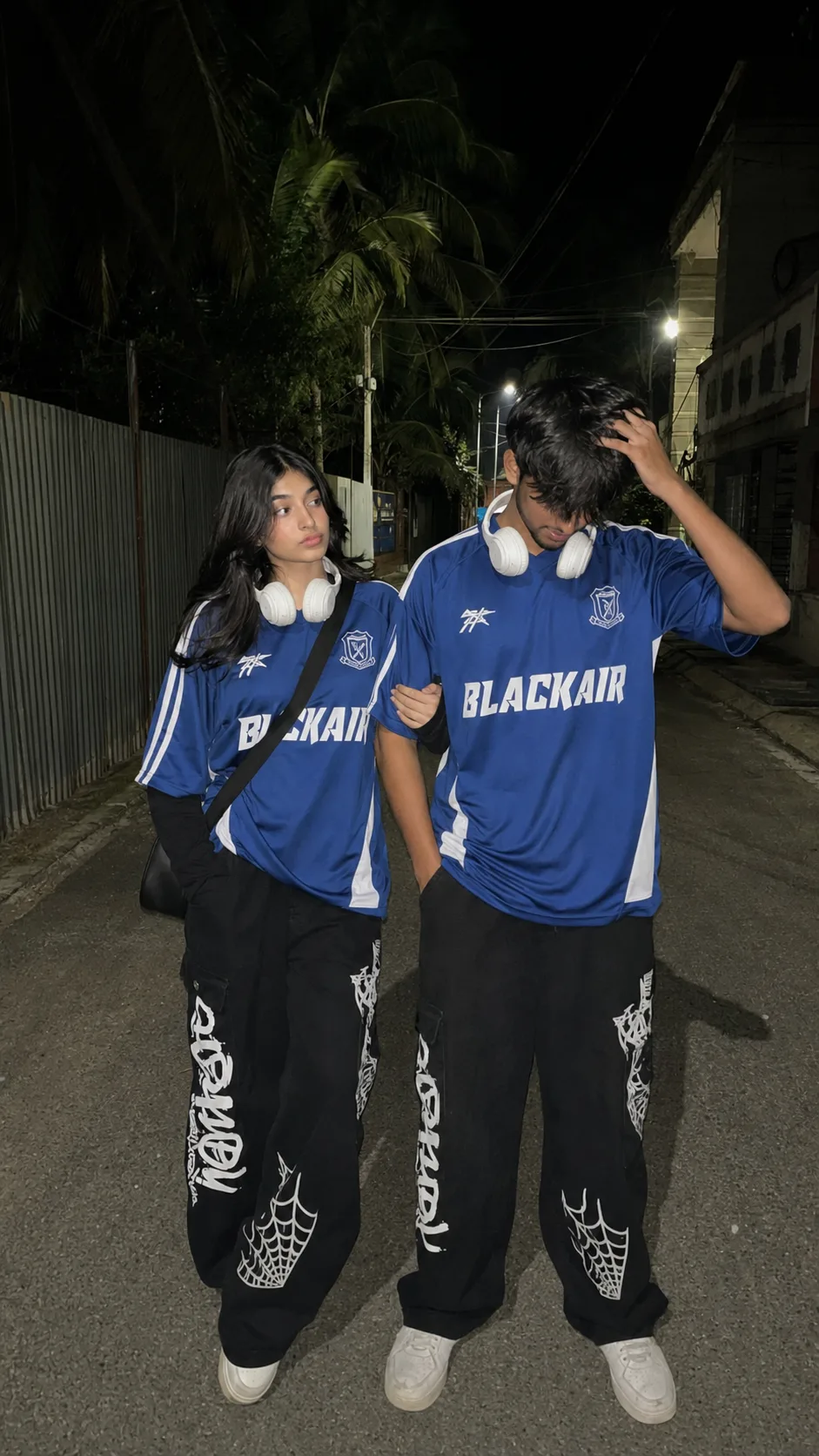
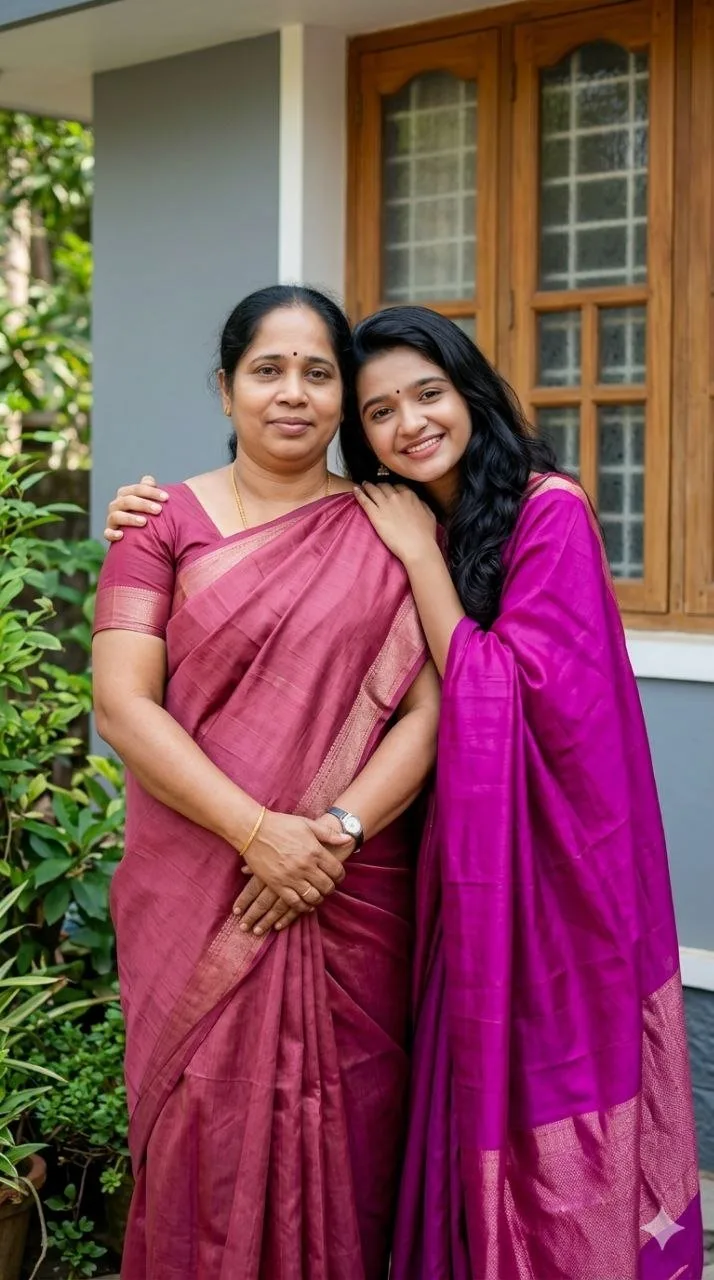
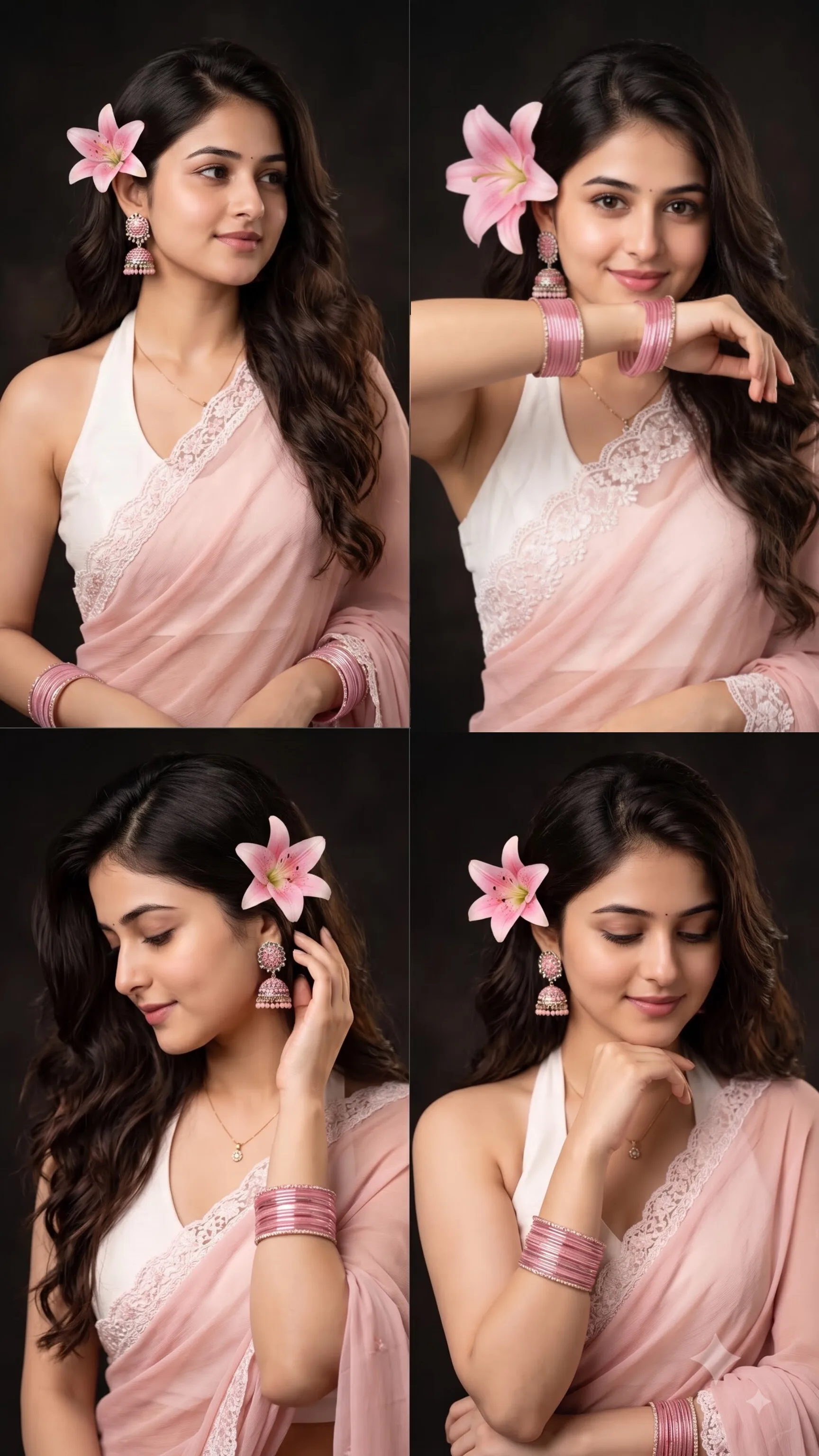
Frequently asked questions
Which AI tool do I need for "photorealistic-continuous-car-windshield-shot"?
It was written and tested for your preferred AI image tool. The wording usually transfers to other image models, but expect to adjust camera and style phrases when you switch tools.
Is this prompt free?
Yes. Sign in to OnPromptAds and the full prompt text unlocks at no cost.
Can I customise this prompt?
Yes. Keep the lighting and camera phrases, which define the look, and change the subject, outfit, colour or location lines to fit your needs.
Where can I find more prompts like this?
Browse the portrait & people category and the topic hubs linked on this page. Saving prompts to a collection keeps your favourites together.
Who created this prompt?
It was published by @Ayan Uddin on OnPromptAds. Visit the profile to see more prompts in a similar style.
Published by @ayan5117 on OnPromptAds. Browse the full library of AI prompts for ads and creative work, explore all prompt topics, or learn how creators earn in the creator guide.
Related searches: your preferred AI image tool image prompt, Portrait & people ai prompt, photorealistic video, identity preservation, continuous shot, windshield push, driver portrait, camera motion recreation. Permalink